

Plans and usage
Workflow Trigger Extensions is free to install. Paid plans raise the monthly event allowance.
Plans
| Plan | Price | Trigger events per month |
|---|---|---|
| Free | $0 | 5,000 |
| Starter | $25 | 25,000 |
| Grow | $50 | 75,000 |
| Unlimited | $100 | Unlimited |
Every trigger is available on every plan, including Free. Plans differ only in volume.
What counts as an event
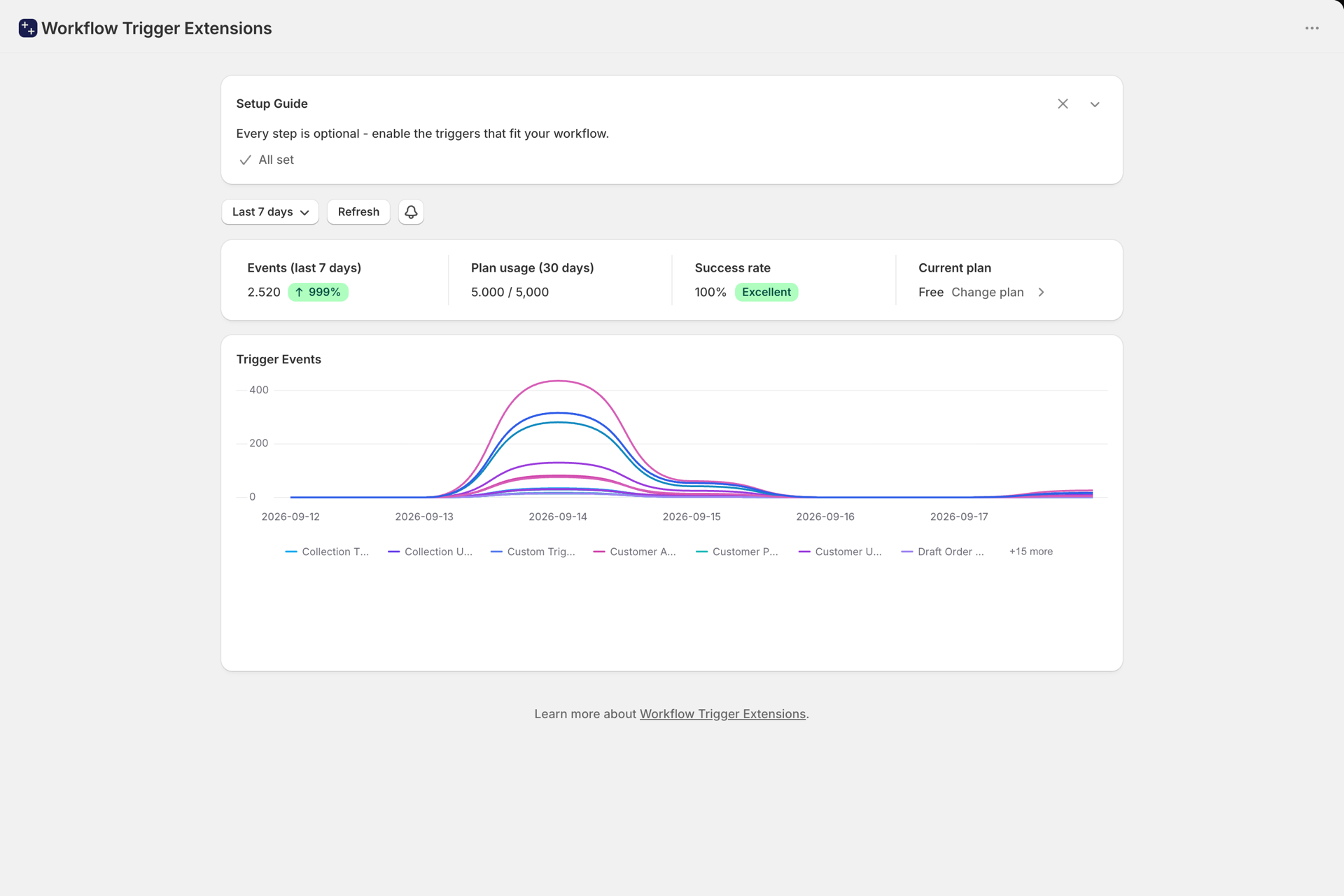
One event is counted each time a trigger from this app fires and delivers to Shopify Flow.
- Triggers from Shopify or from other apps are not counted. Only this app's triggers consume the allowance.
- A change that is detected but does not match an enabled trigger is not counted.
- The typed metafield triggers (Order, Product, Product Variant and Customer Metafield Update) share a single event with the generic Metafield Update trigger, so they do not double-count.
- Storefront triggers count like any other event: one per shopper action that reaches us. Events dropped in the browser because the shopper declined analytics consent never reach us and never count. Out-of-Stock Variant Viewed needs every product view to do its job, so enabling it counts every product view. See Storefront triggers.
- The allowance resets at the start of each billing period.
Quota alerts
The app emails you when usage crosses 80% and again at 100% of the allowance. Recipients and the 80% threshold are configurable in the app's notification settings; the threshold can be set anywhere between 50% and 99%.
Each alert is sent once per billing period. Changing plan mid-period re-arms the alerts against the new limit. Stores on Unlimited never receive quota emails.
What happens at 100%
Once the allowance is used up, triggers stop firing until the period resets or you upgrade. Your configuration is untouched: settings, permissions, and workflows are all preserved, and firing resumes by itself the moment there is allowance again.
This is worth understanding precisely, because it is not recoverable:
- Nothing is replayed. There is no backlog to drain. An order that changed while you were over the limit does not fire when you upgrade.
- The gap is invisible in Event History. Blocked events never create a history row, so you cannot look back afterwards and see what you missed.
- Change detection moves on regardless. For a field-level trigger, the app still records the new value as its baseline even though the trigger did not fire. After you upgrade, the next change is compared against that newer value, so the missed change cannot resurface later.
A worked example. You are on Free (5,000) and hit the cap on the 20th:
- On the 22nd a customer changes an order's shipping address. Order Shipping Address Changed does not fire, and the event is gone.
- On the 23rd you upgrade to Starter. Triggers resume immediately.
- On the 24th someone edits that same order's address again. This fires normally, comparing against the address from the 22nd.
The change on the 22nd is never delivered, in step 2 or at any later point.
Keeping usage down
If you are consuming more than you expect, the cause is almost always one of the broad
... Update triggers firing on every edit, or a storefront trigger on a busy store:
- Open Home and look at the per-trigger breakdown.
- Open the Triggers page and switch off the broad
... Updatetriggers your workflows do not use. - Prefer a narrow trigger over a broad one. Product Variant Price Changed fires far less often than Product Update.
- Switch on Storefront Product Viewed and Out-of-Stock Variant Viewed only for a workflow that needs them. On a high-traffic store they are the highest-volume triggers in the app.