

Metaobject triggers
Metaobjects are custom structured records: size guides, store locators, ingredient lists, care instructions, and anything else you model yourself. The Metaobject entry updated trigger fires when one of those entries changes.
Setting one up
The example on this page watches a metaobject called Size guide with one entry,
linen-shirts.
1. Open Metaobject Triggers
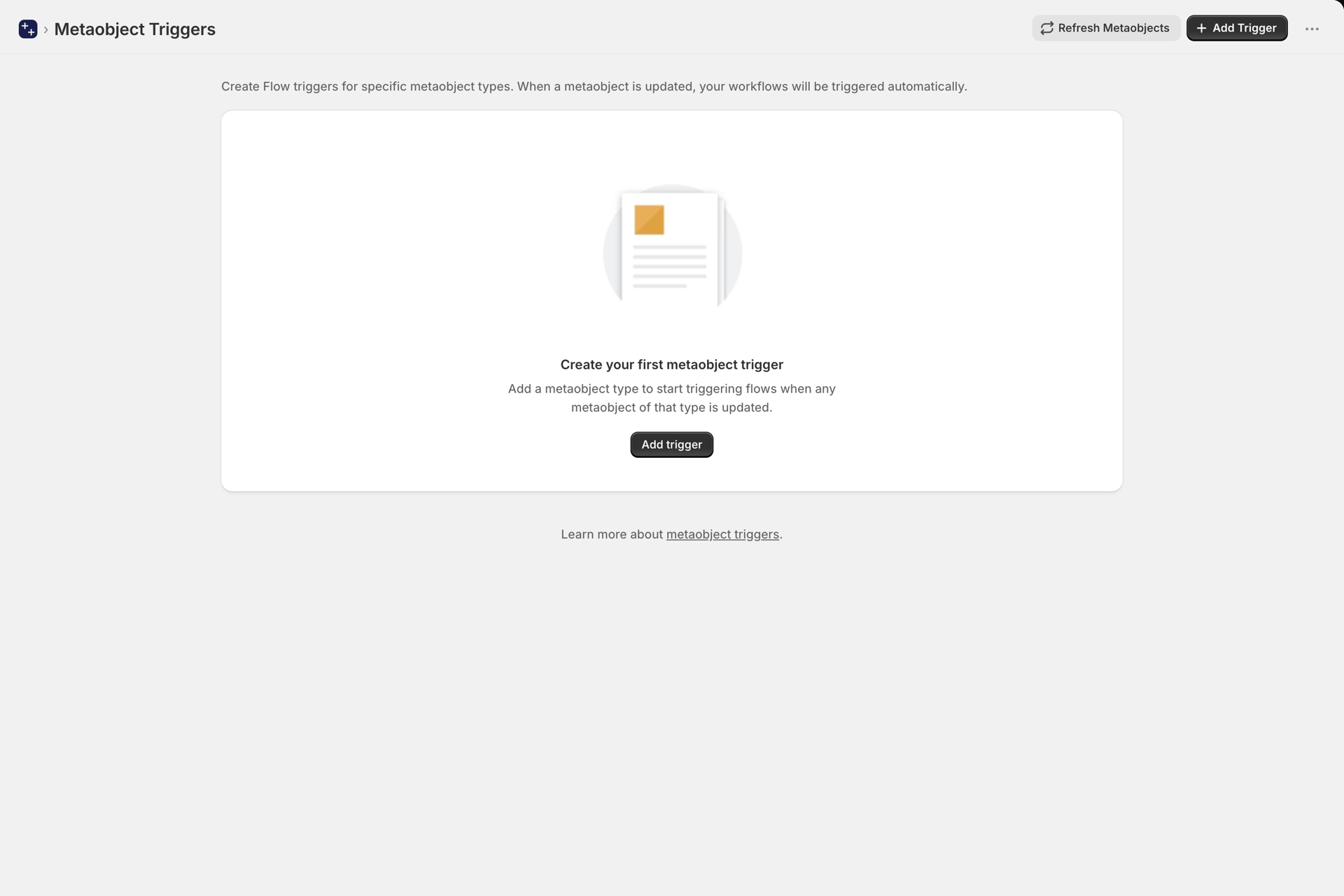
Open Metaobject Triggers in the app navigation. Until you add a type, the page is empty.
2. Choose the metaobject type
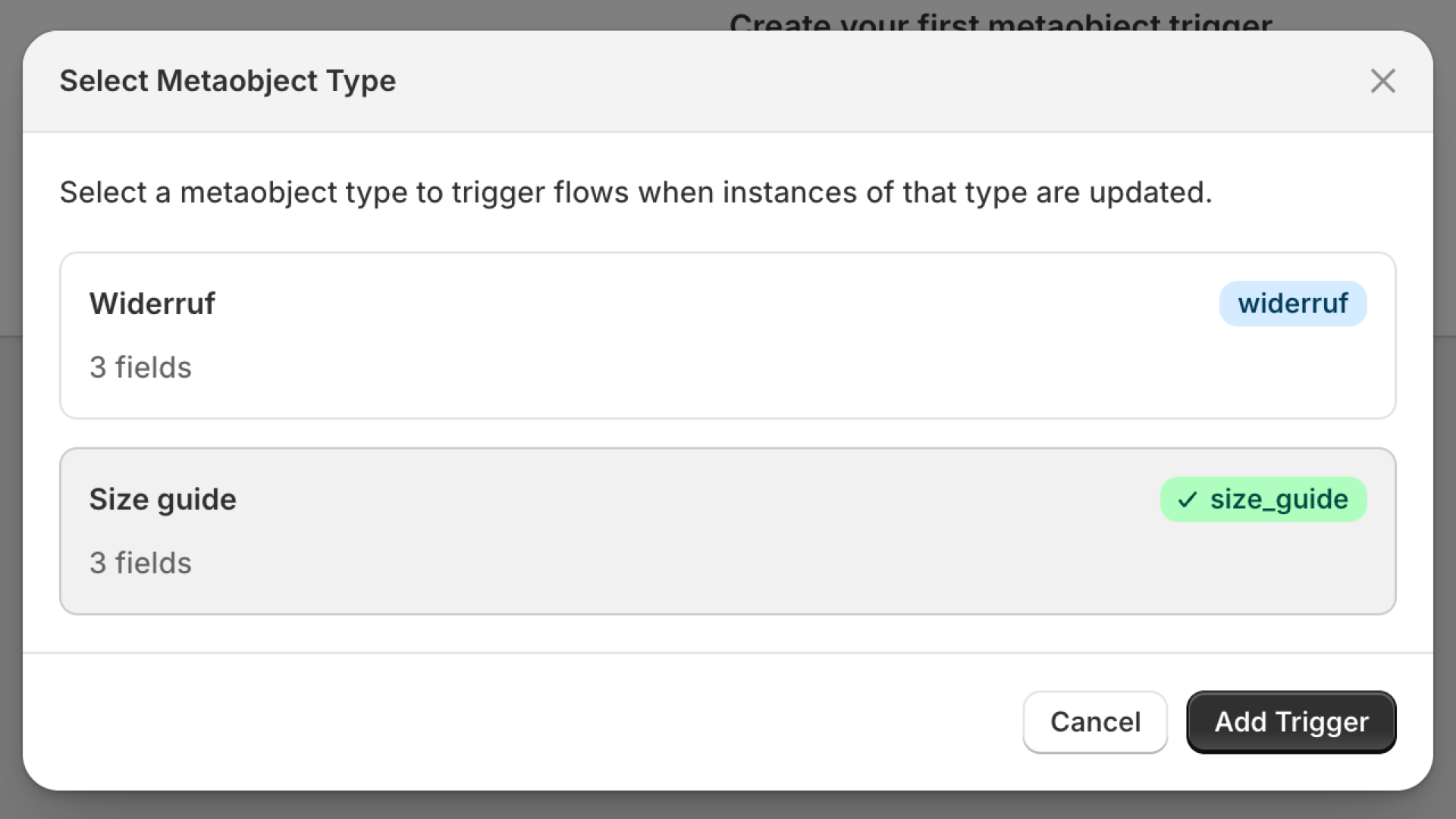
Click Add Trigger, pick the metaobject type you want to watch, and click Add Trigger in the dialog. You watch a whole type, not single entries: every entry of it fires, including entries you create later.
A type you created a moment ago may be missing from the dialog, because the list is remembered for a while. Click Refresh Metaobjects and open the dialog again.
3. The type is now watched
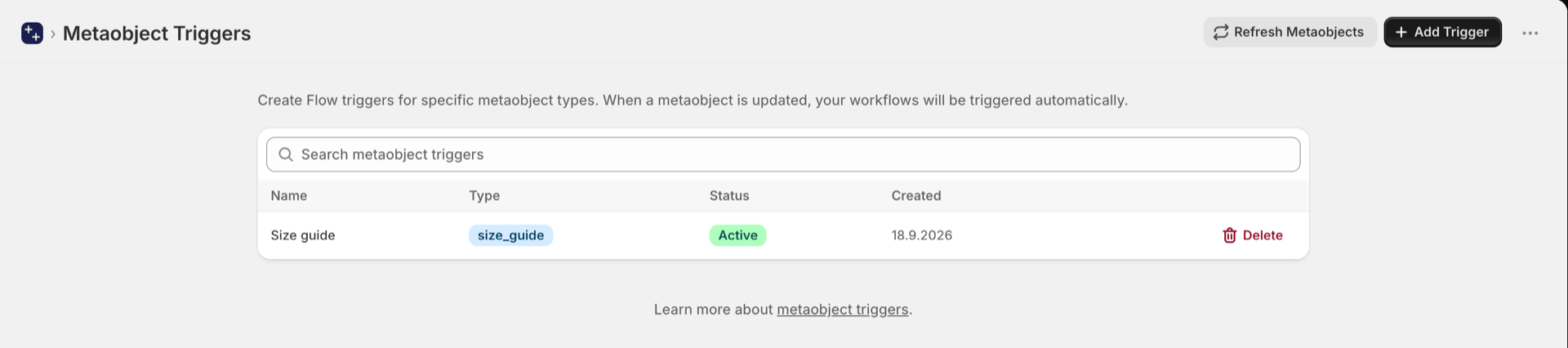
The type appears in the list as Active. Delete stops watching it.
What an event carries
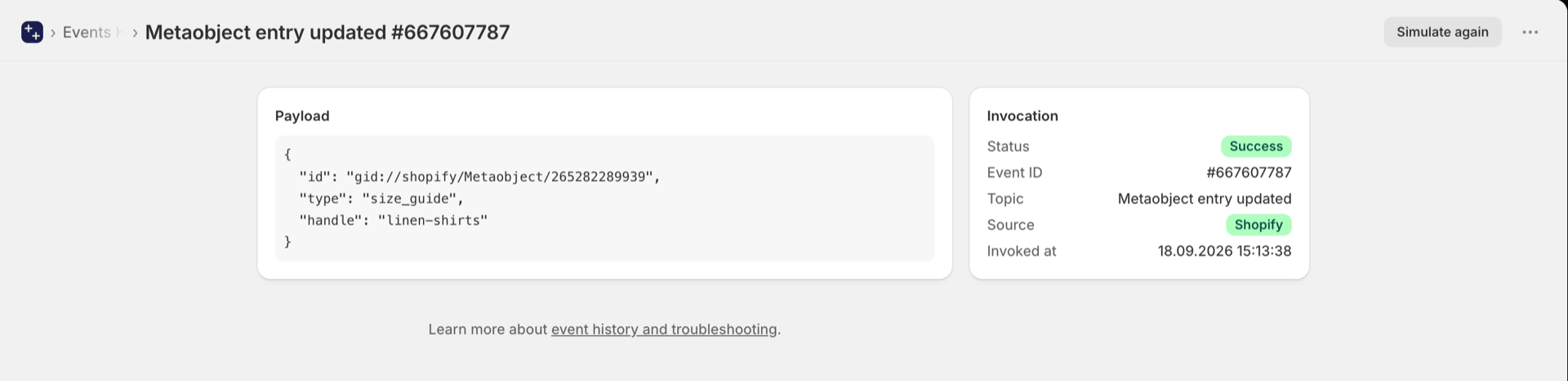
Editing any entry of that type fires Metaobject entry updated in Shopify Flow. Flow
receives metaobjectHandle for conditions, and the entry itself as metaobject: its type,
display name and fields, as they are now. There is no previous value for metaobject
fields. In the app's Event History the same event is listed with the entry's id, type and
handle.
Use the handle in a condition when only one entry matters (metaobjectHandle equal to
linen-shirts). Step by step: Metaobject trigger, step by step.
Permission
Metaobject triggers need Metaobject Data Access (read_metaobjects), which includes
access to both definitions and entries. Grant it on the Permissions page.
Typical uses
- Notify the content team when a size guide or care instruction changes.
- Sync a changed store-locator record to an external system.
- Re-run a validation workflow when a structured content record is edited.