
Blog and page triggers, step by step
Step-by-step Shopify Flow tutorials for online store content: blog post, page and blog updates.
Shopify sends no notification at all when a blog, a blog post or a page changes. These three triggers find changes by checking on a schedule, so expect a short delay rather than an instant event.
On this page: Blog Post Update, Page Update, Blog Update
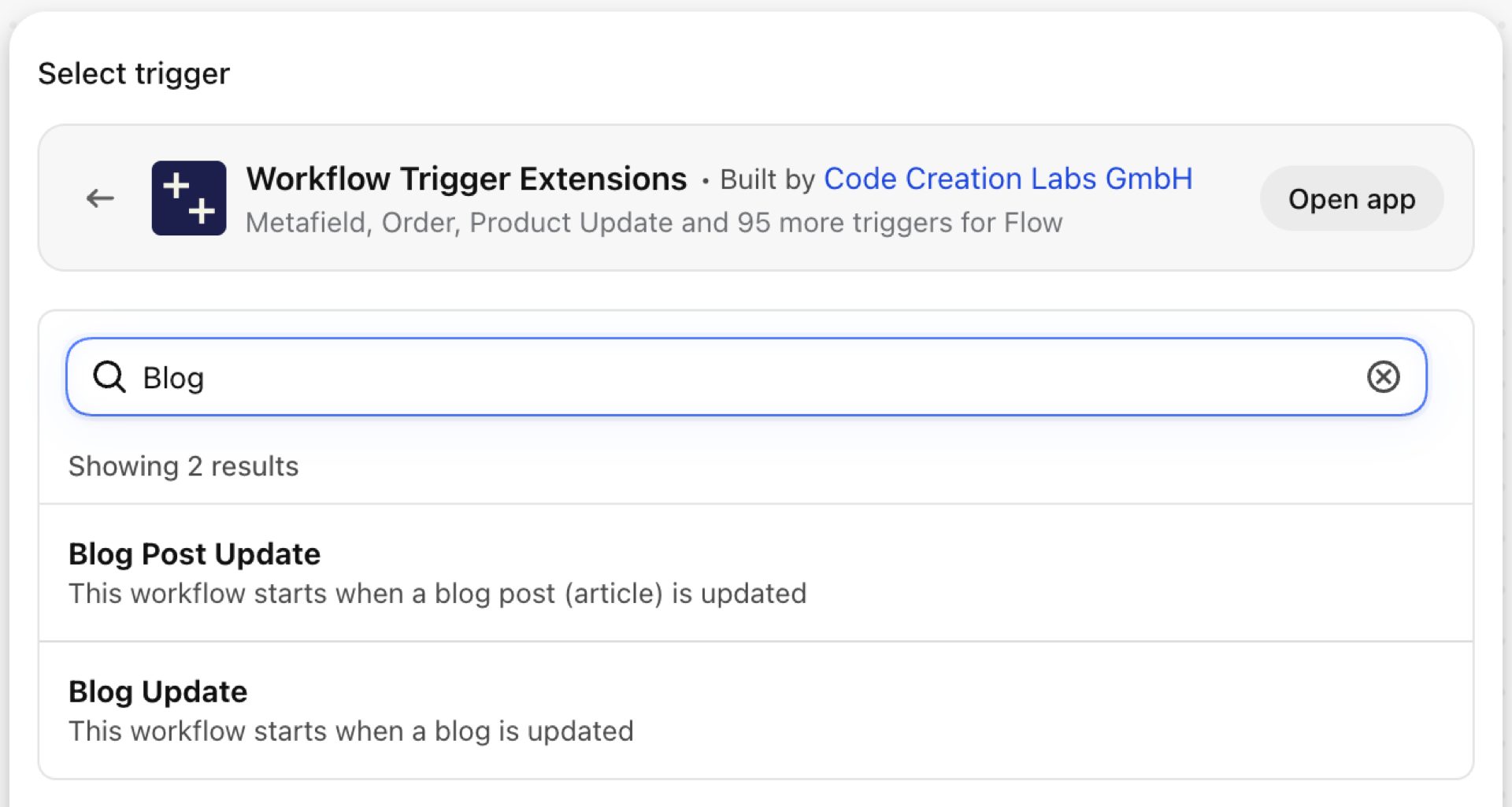
Blog Post Update
Fires when a blog post is changed: title, body, summary, tags, author, or whether it is published.
| Fires from | Checked on a schedule, because Shopify sends no webhook for it |
| Permission | Blog, Blog Post & Page Data Access |
| Switched on | Turning on a Flow workflow that uses it switches it on. Its own switch is on the app's Triggers page |
Use it for
- Announce newly published posts in a team channel or to a newsletter tool.
- Send edited posts to translation.
What Blog Post Update sends to your workflow
| Variable in Flow | Type | What it holds |
|---|---|---|
article |
Object | The blog post (article) that was updated |
article.id |
ID | |
article.title |
Text | |
article.handle |
Text | |
article.author |
Object | |
article.author.name |
Text | |
article.body |
Text | |
article.summary |
Text | |
article.publishedAt |
Text | |
article.tags |
List of text | |
article.templateSuffix |
Text | |
article.updatedAt |
Text | |
article.isPublished |
True / false | |
eventId |
Text | The id of this event. Search for it in the app's Event History to see exactly what was sent. |
Example: Announce a published post
- Pick Blog Post Update as the trigger.
- Add a Condition:
article.isPublishedEqual totrue. - Add Send HTTP request to Slack:
{{article.title}} by {{article.author.name}} was updated. - Turn the workflow on.
Page Update
Fires when an online store page is changed: title, content, template, or whether it is published.
| Fires from | Checked on a schedule, because Shopify sends no webhook for it |
| Permission | Blog, Blog Post & Page Data Access |
| Switched on | Turning on a Flow workflow that uses it switches it on. Its own switch is on the app's Triggers page |
Use it for
- Have legal re-check policy-like pages after an edit.
- Tell support that the FAQ or the shipping page changed.
What Page Update sends to your workflow
| Variable in Flow | Type | What it holds |
|---|---|---|
page |
Object | The page that was updated |
page.id |
ID | |
page.title |
Text | |
page.handle |
Text | |
page.bodyHtml |
Text | |
page.publishedAt |
Text | |
page.templateSuffix |
Text | |
page.updatedAt |
Text | |
page.isPublished |
True / false | |
eventId |
Text | The id of this event. Search for it in the app's Event History to see exactly what was sent. |
Example: Tell support when the shipping page changes
- Pick Page Update as the trigger.
- Add a Condition:
page.handleEqual toshipping. - Add Send internal email to support with
{{page.title}}. - Turn the workflow on.
Blog Update
Fires when a blog itself changes - its title, handle, comment policy or template - not when a post in it changes.
| Fires from | Checked on a schedule, because Shopify sends no webhook for it |
| Permission | Blog, Blog Post & Page Data Access |
| Switched on | Turning on a Flow workflow that uses it switches it on. Its own switch is on the app's Triggers page |
Use it for
- Notice changed comment settings.
- Redirect when a blog handle changes.
What Blog Update sends to your workflow
| Variable in Flow | Type | What it holds |
|---|---|---|
blog |
Object | The blog that was updated |
blog.id |
ID | |
blog.title |
Text | |
blog.handle |
Text | |
blog.commentPolicy |
Text | |
blog.templateSuffix |
Text | |
blog.updatedAt |
Text | |
eventId |
Text | The id of this event. Search for it in the app's Event History to see exactly what was sent. |
Example: Notify on a changed comment policy
- Pick Blog Update as the trigger.
- Add Send internal email with
{{blog.title}}and{{blog.commentPolicy}}. - Turn the workflow on.
Next steps
Longer walkthroughs with a Slack setup: Send Slack alerts when a blog post is updated and Alert support when a page changes.
- Complete trigger reference - every trigger on one page.
- Choosing the right trigger - which one fits your case.
- Custom triggers - when no built-in trigger fits, write your own.
- Event history and troubleshooting - see what fired and what it carried.