
Metaobject trigger, step by step
Step-by-step Shopify Flow tutorial for the Metaobject entry updated trigger: watch a definition and react to changed entries.
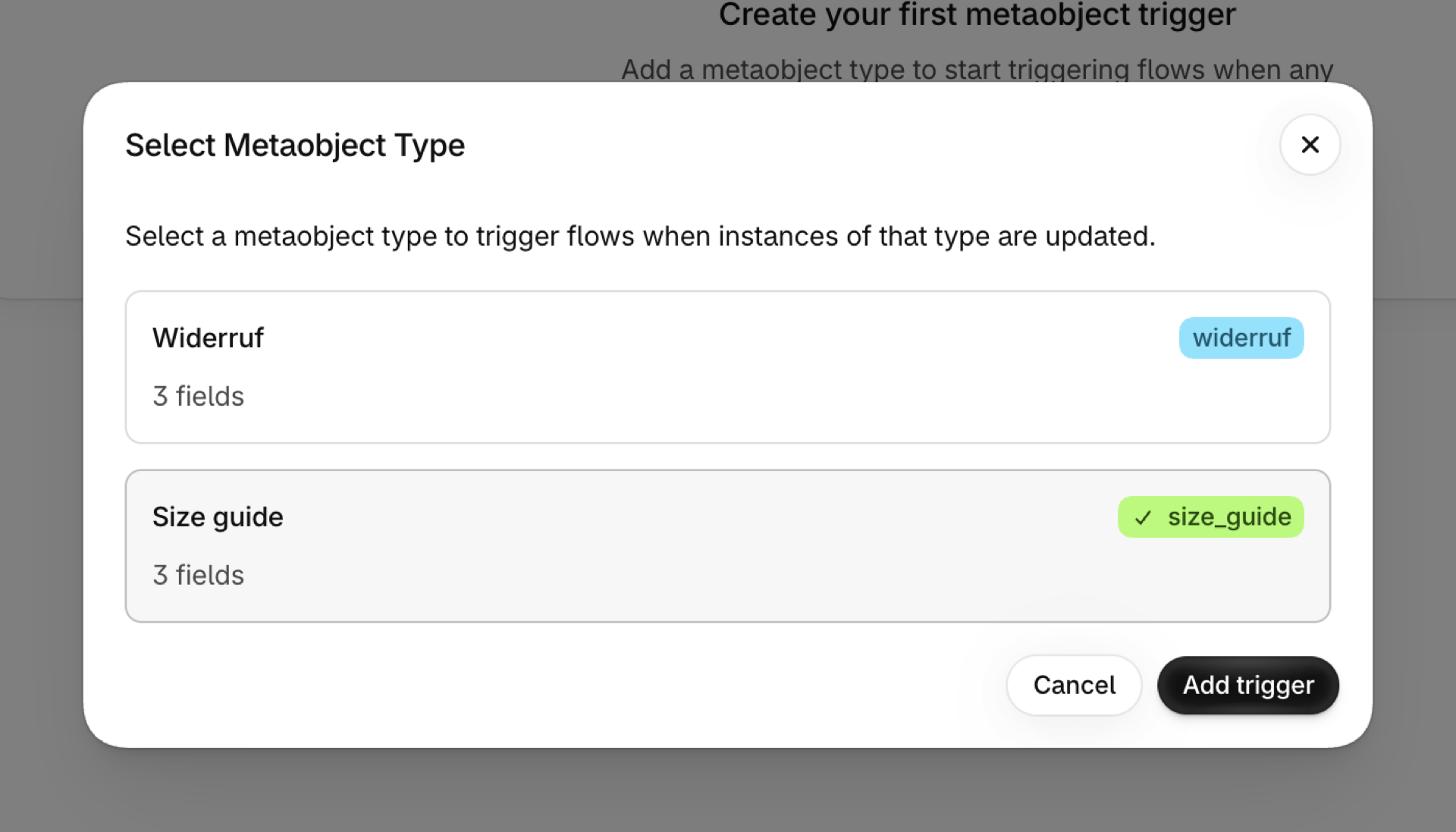
One trigger for metaobject entries: size guides, store locators, ingredient lists, team members, anything you modelled yourself. You choose which definitions to watch on the app's Metaobject Triggers page. See Metaobject triggers.
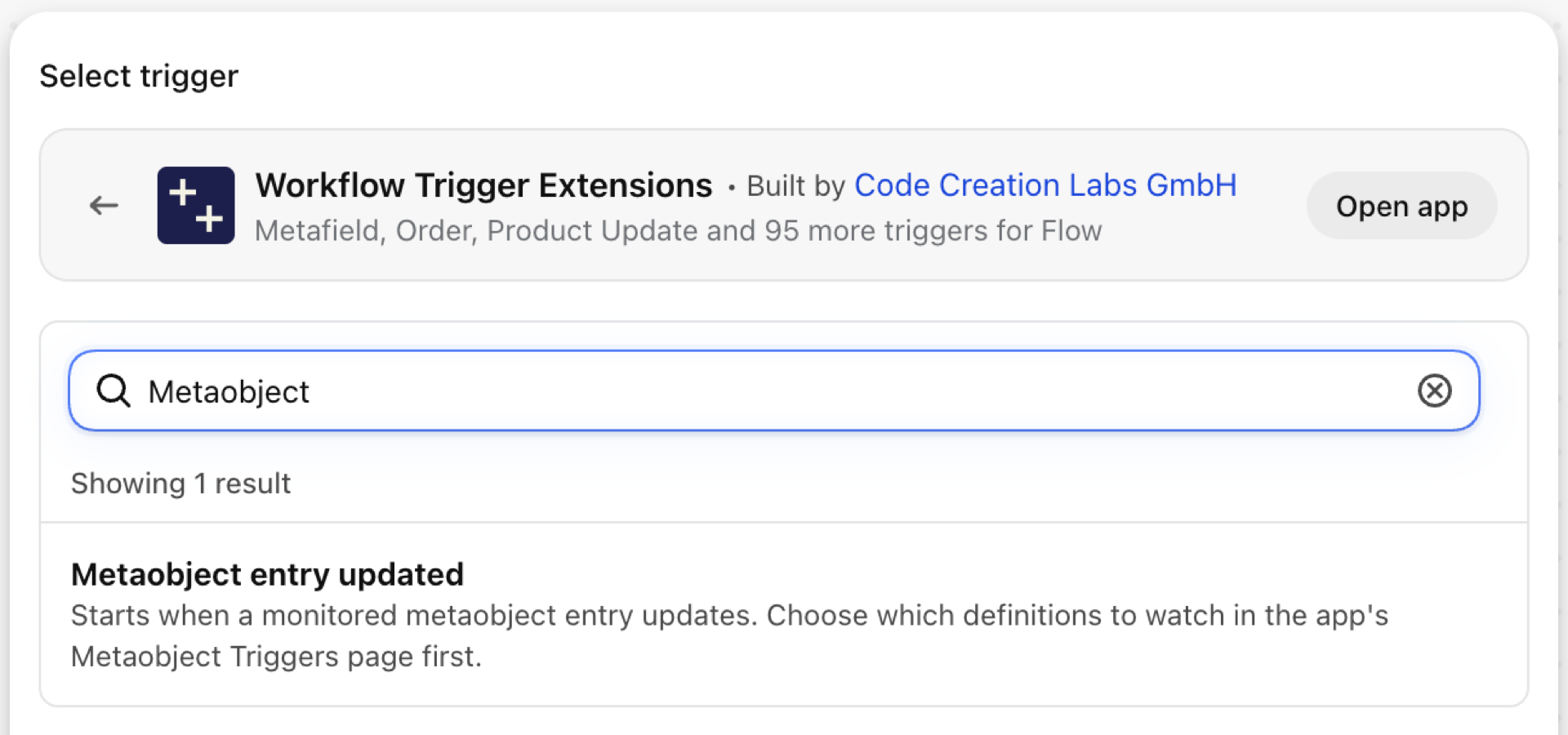
Metaobject entry updated
Fires when an entry of a watched metaobject definition is updated. The whole entry arrives: type, handle, displayName and every field with its key and value.
| Fires from | Shopify webhook |
| Permission | Metaobject Data Access |
| Switched on | Per metaobject definition, on the app's Metaobject Triggers page |
Use it for
- Tell the content team when a size guide or a care instruction changes.
- Push changed store locator entries to a map provider.
- Rebuild something on the storefront that is generated from metaobjects.
What Metaobject entry updated sends to your workflow
| Variable in Flow | Type | What it holds |
|---|---|---|
metaobjectHandle |
Text | The handle of the metaobject that was updated (for filtering in Flow) |
metaobject |
Object | The metaobject entry that was updated |
metaobject.definition |
Object | The MetaobjectDefinition that models this object type |
metaobject.displayName |
Text | Display name of the metaobject |
metaobject.fields |
List of objects | All fields of the metaobject with their keys and values |
metaobject.fields (each).definition |
Object | The field definition for this object key |
metaobject.fields (each).jsonValue |
Text | The assigned field value in JSON format |
metaobject.fields (each).key |
Text | The object key of this field |
metaobject.fields (each).thumbnail |
Object | Visual attributes for file or color fields |
metaobject.fields (each).type |
Text | The type of the field |
metaobject.fields (each).value |
Text | The assigned field value, always stored as a string |
metaobject.handle |
Text | Handle/slug of the metaobject instance |
metaobject.id |
ID | Global ID of the metaobject |
metaobject.type |
Text | Type/handle of the metaobject definition |
eventId |
Text | The id of this event. Search for it in the app's Event History to see exactly what was sent. |
Example: Notify the content team about a changed size guide
- In the app open Metaobject Triggers, click Add trigger, choose the definition and save.
- In Flow pick Metaobject entry updated.
- Add a Condition:
metaobject.typeEqual tosize_guide. - Add Send internal email with
{{metaobject.displayName}}and a Liquidforloop overmetaobject.fieldsthat prints each field'skeyandvalue. - Turn the workflow on.
Next steps
- Complete trigger reference - every trigger on one page.
- Choosing the right trigger - which one fits your case.
- Custom triggers - when no built-in trigger fits, write your own.
- Event history and troubleshooting - see what fired and what it carried.